How to Make a Facebook Page for Your Brand
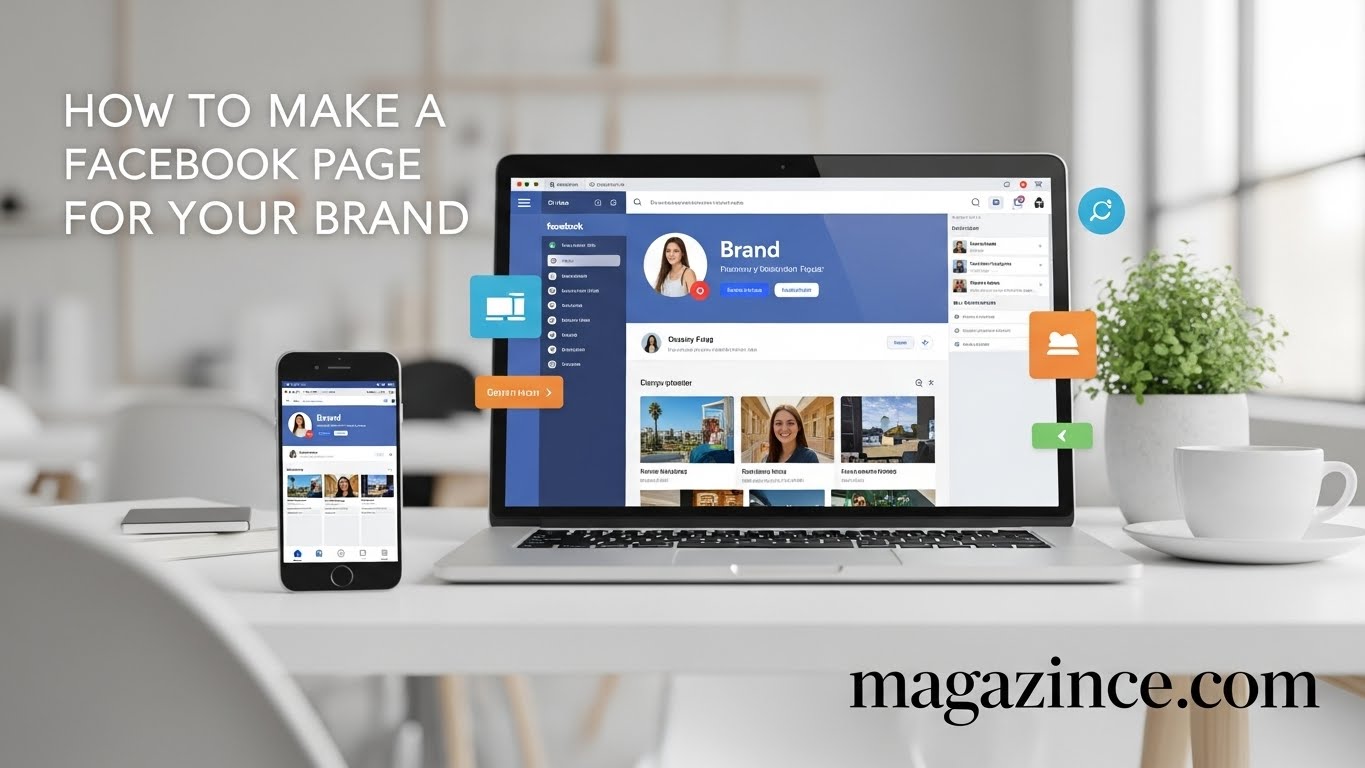
In today’s digital landscape, having a strong online presence is crucial for businesses, organizations, and even individuals looking to build a personal brand. And when it comes to reaching a vast and diverse audience, Facebook remains a powerhouse. Learning how to create a Facebook page is a fundamental step in establishing that online presence. This guide will walk you through the process step-by-step, ensuring you make Facebook page creation a breeze, regardless of your technical expertise.
Why You Need a Facebook Page
Before diving into the “how,” let’s consider the “why.” A Facebook Page offers numerous benefits:
- Increased Visibility: Connect with billions of active users worldwide.
- Targeted Advertising: Reach specific demographics with tailored ad campaigns.
- Brand Building: Cultivate a strong brand identity and voice.
- Customer Engagement: Interact with your audience, address concerns, and build loyalty.
- Lead Generation: Attract potential customers and drive traffic to your website.
- Valuable Insights: Gain access to data about your audience and content performance.
- Community Building: Foster a community around your brand and values.
Effectively, you can make Facebook page for almost any purpose you can imagine. Whether you’re a small business owner looking to boost sales, a non-profit organization aiming to raise awareness, or an artist wanting to share your work, a Facebook Page can be a valuable tool.
Step-by-Step Guide: How to Create a Facebook Page
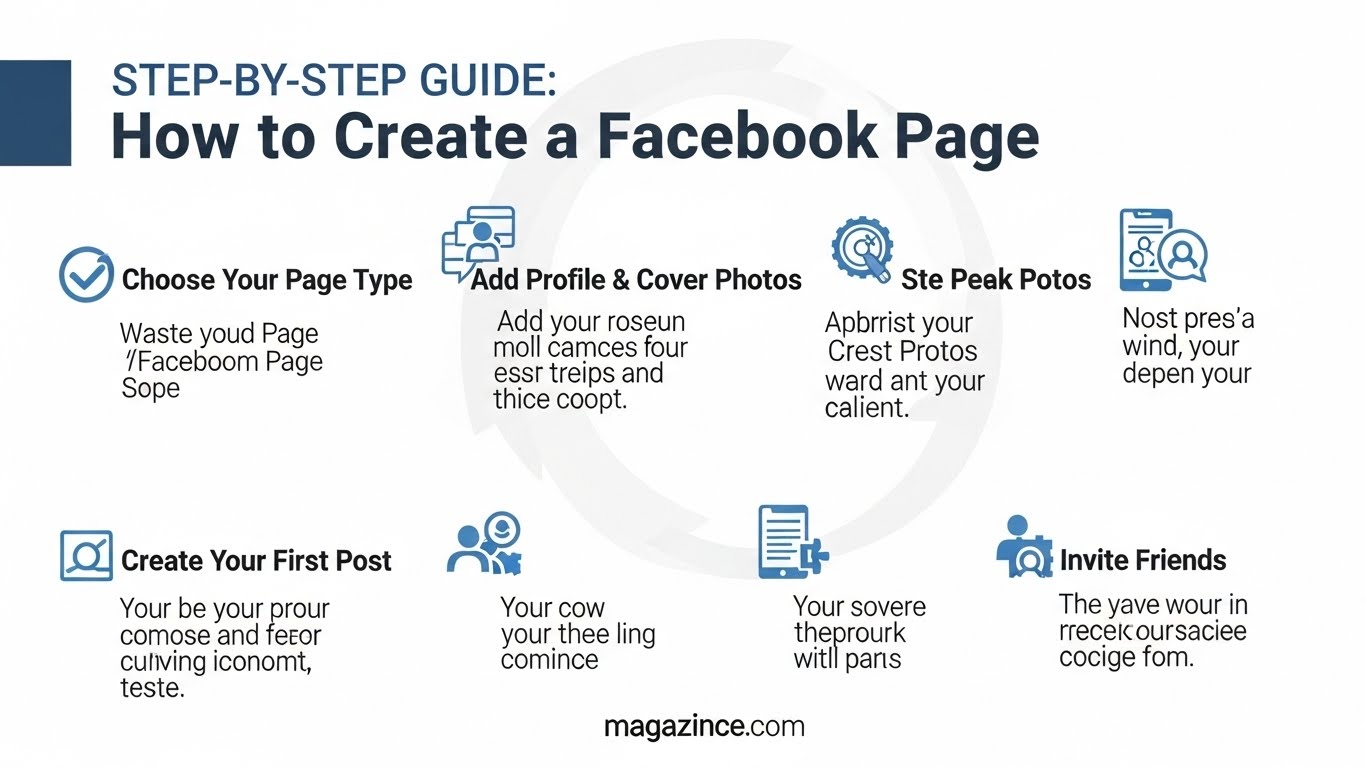
Now, let’s get down to the nitty-gritty of how to create a Facebook page. This process is straightforward and can be completed in just a few minutes.
Step 1: Log In to Your Facebook Account
You’ll need a personal Facebook account to create and manage a Page. If you don’t already have one, head over to Facebook.com and sign up. This personal account will act as the administrator for your Page. Don’t worry; your personal information won’t be publicly displayed on the Page.
Step 2: Navigate to the Pages Section
Once logged in, look for the “+” icon at the top right-hand corner of the screen. Click on it, and a drop-down menu will appear. Select “Page” from the list. This will take you to the page creation interface. It’s the first step when you want to make Facebook page.
Step 3: Choose Your Page Category
Facebook offers different Page categories to accurately represent your business or organization. You’ll typically find these options during the initial set-up process, and selecting the right category is important. Accurate categorization helps Facebook understand and suggest your Page to relevant users.
Step 4: Fill in Your Page Information
This is where you’ll provide essential details about your Page. You’ll need to provide:
- Page Name: Choose a name that is clear, concise, and representative of your brand. Make it easy for people to find and remember.
- Category: Select the most relevant category for your Page. Options include Local Business, Brand or Product, Community or Public Figure, etc.
- Description: Write a brief, compelling description that tells visitors what your Page is about. Use keywords that people might search for. Think about what makes your page unique when you make Facebook page.
Step 5: Add a Profile Picture and Cover Photo
Visuals are crucial for making a good first impression. Choose a profile picture that represents your brand. This could be your logo, a headshot, or another recognizable image. Your cover photo is the larger image at the top of your Page. Use this space to showcase your products, services, or brand personality. Make sure your images are high-quality and appropriately sized.
- Profile Picture: Recommended size is 170 x 170 pixels.
- Cover Photo: Recommended size is 1640 x 856 pixels.
Step 6: Add a Call-to-Action Button
A call-to-action (CTA) button encourages visitors to take a specific action, such as visiting your website, contacting you, or making a purchase. Choose a CTA that aligns with your business goals. Common options include “Learn More,” “Shop Now,” “Contact Us,” and “Book Now.” This is a very useful tool as you make Facebook page and start promoting yourself.
Step 7: Create Your First Post
Now that your Page is set up, it’s time to create your first post! Share something engaging and informative with your audience. Introduce your brand, highlight your products or services, or ask a question to start a conversation.
Step 8: Invite Your Friends to Like Your Page
Start building your audience by inviting your friends to like your Page. You can do this directly from your Page. This initial boost can help you gain momentum and reach a wider audience.
Step 9: Explore Facebook Page Settings
Familiarize yourself with the Facebook Page settings. This is where you can manage your Page’s visibility, notifications, messaging, and other important settings. Take the time to customize these settings to optimize your Page’s performance.
Step 10: Verify Your Page (Optional)
If you represent a business or organization, you may want to verify your Page. Verification adds a blue checkmark to your Page, confirming its authenticity and helping users distinguish it from fake accounts. Not every page is eligible, but it adds credibility if you make Facebook page for an official organization.
Optimizing Your Facebook Page for Success
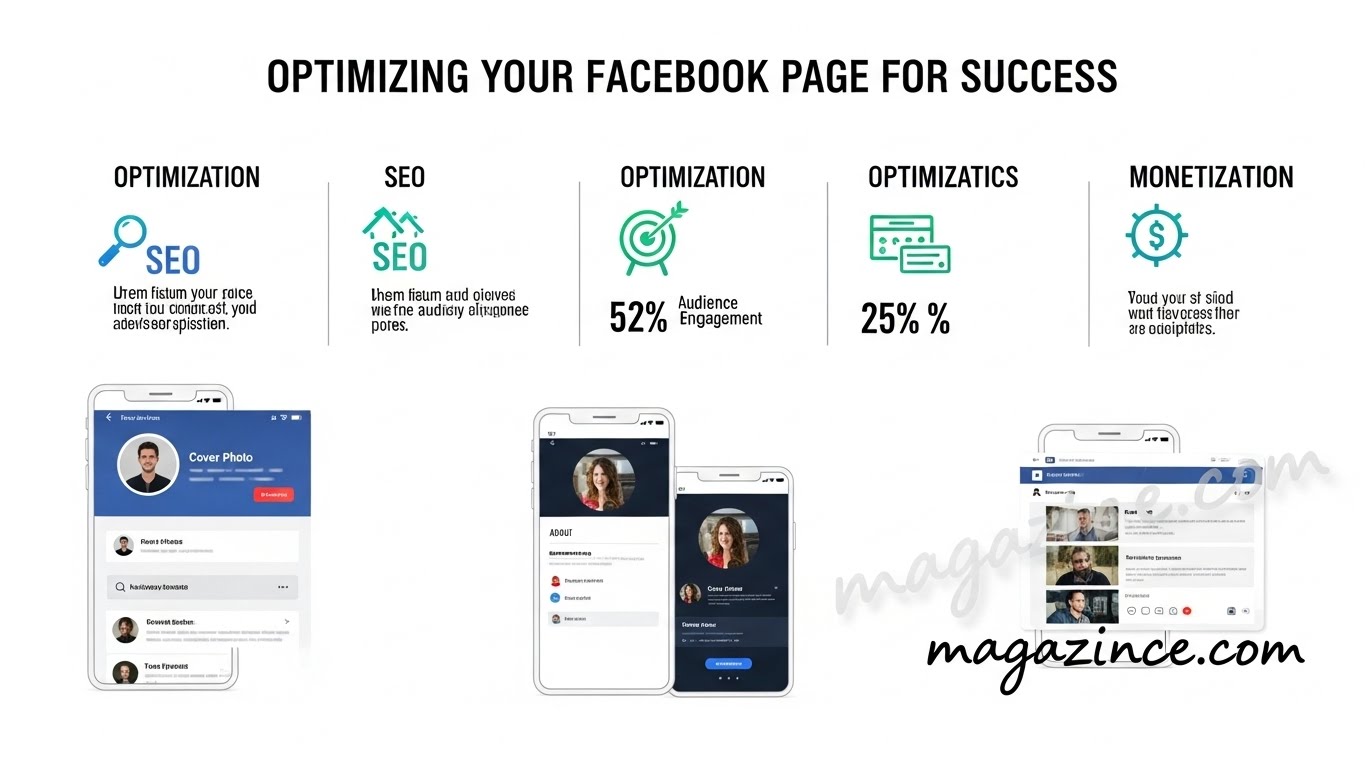
Creating a Facebook Page is just the first step. To maximize its impact, you need to optimize it for engagement and visibility.
Crafting Compelling Content
Content is king! Share valuable, engaging, and relevant content that resonates with your target audience. This could include:
- Informative Articles: Share articles related to your industry or niche.
- Engaging Videos: Create videos that showcase your products, services, or brand personality.
- Eye-Catching Images: Use high-quality images to capture attention.
- Interactive Polls and Quizzes: Encourage engagement with fun and interactive content.
- Behind-the-Scenes Content: Give your audience a glimpse into your company culture.
Understanding Your Audience
Use Facebook Insights to learn more about your audience’s demographics, interests, and behavior. This data can help you tailor your content and advertising efforts to better reach your target market.
Engaging with Your Audience
Respond to comments and messages promptly and professionally. Show your audience that you value their feedback and are committed to providing excellent customer service. Participating in conversations is a great way to make Facebook page more active and welcoming to newcomers.
Using Facebook Ads
Facebook Ads Manager allows you to create highly targeted ad campaigns that reach specific demographics, interests, and behaviors. Use Facebook Ads to promote your Page, drive traffic to your website, and generate leads.
Maintaining Consistency
Post regularly and consistently to keep your audience engaged. Develop a content calendar to plan your posts in advance. Consistency is key to building a loyal following.
Common Mistakes to Avoid When You Make Facebook Page
While learning how to create a Facebook page isn’t difficult, avoiding common mistakes can significantly impact your page’s success.
- Ignoring Your Audience: Failing to respond to comments and messages can damage your reputation.
- Posting Inconsistent Content: Posting irrelevant or low-quality content can alienate your audience.
- Using Low-Quality Images: Blurry or pixelated images can make your Page look unprofessional.
- Not Using a Call-to-Action: Failing to include a CTA can leave visitors unsure of what to do next.
- Neglecting Facebook Insights: Ignoring data about your audience and content performance can hinder your progress.
Measuring Your Success
It’s important to track your Facebook Page’s performance to see what’s working and what’s not. Key metrics to monitor include:
- Page Likes: The number of people who have liked your Page.
- Reach: The number of unique people who have seen your posts.
- Engagement: The number of likes, comments, shares, and clicks on your posts.
- Website Traffic: The amount of traffic your Page is driving to your website.
- Lead Generation: The number of leads you’re generating through your Page.
Beyond the Basics: Advanced Facebook Page Strategies
Once you’ve mastered the fundamentals, you can explore more advanced strategies to take your Facebook Page to the next level.
Running Contests and Giveaways
Contests and giveaways are a great way to attract new followers, increase engagement, and generate leads. Be sure to follow Facebook’s guidelines for running contests.
Using Facebook Live
Facebook Live allows you to broadcast live videos to your audience. This is a great way to connect with your audience in real-time, answer questions, and showcase your products or services.
Creating Facebook Groups
A Facebook Group can provide a space for your audience to connect with each other and with your brand. This is a great way to foster a sense of community and build loyalty. This is a very useful tool if you want to make Facebook page to engage with the audience.
Partnering with Influencers
Collaborating with influencers in your niche can help you reach a wider audience and build credibility. Identify influencers who align with your brand values and work with them to create engaging content.
The Future of Facebook Pages
Facebook is constantly evolving, so it’s important to stay up-to-date on the latest trends and features. Keep an eye on Facebook’s official blog and industry publications for insights on how to optimize your Page for the future.
Making a Facebook Page: A Continuous Journey
Learning how to create a Facebook page is an ongoing process. Regularly analyze your performance, adapt your strategy, and stay engaged with your audience to achieve long-term success. The social media landscape is always changing, so continuous learning and adaptation are crucial when you make Facebook page and start to promote your business.
In conclusion, mastering the art of how to create a Facebook page and effectively managing it is essential for anyone looking to thrive in today’s digital world. By following the steps outlined in this guide, avoiding common mistakes, and continuously optimizing your strategy, you can unlock the full potential of your Facebook Page and achieve your business goals. Remember to engage, analyze, and adapt, and you’ll be well on your way to success! You can successfully make Facebook page and leverage it for success with effort and attention to detail.