How to Create Instagram Account Step-by-step Complete Guides.
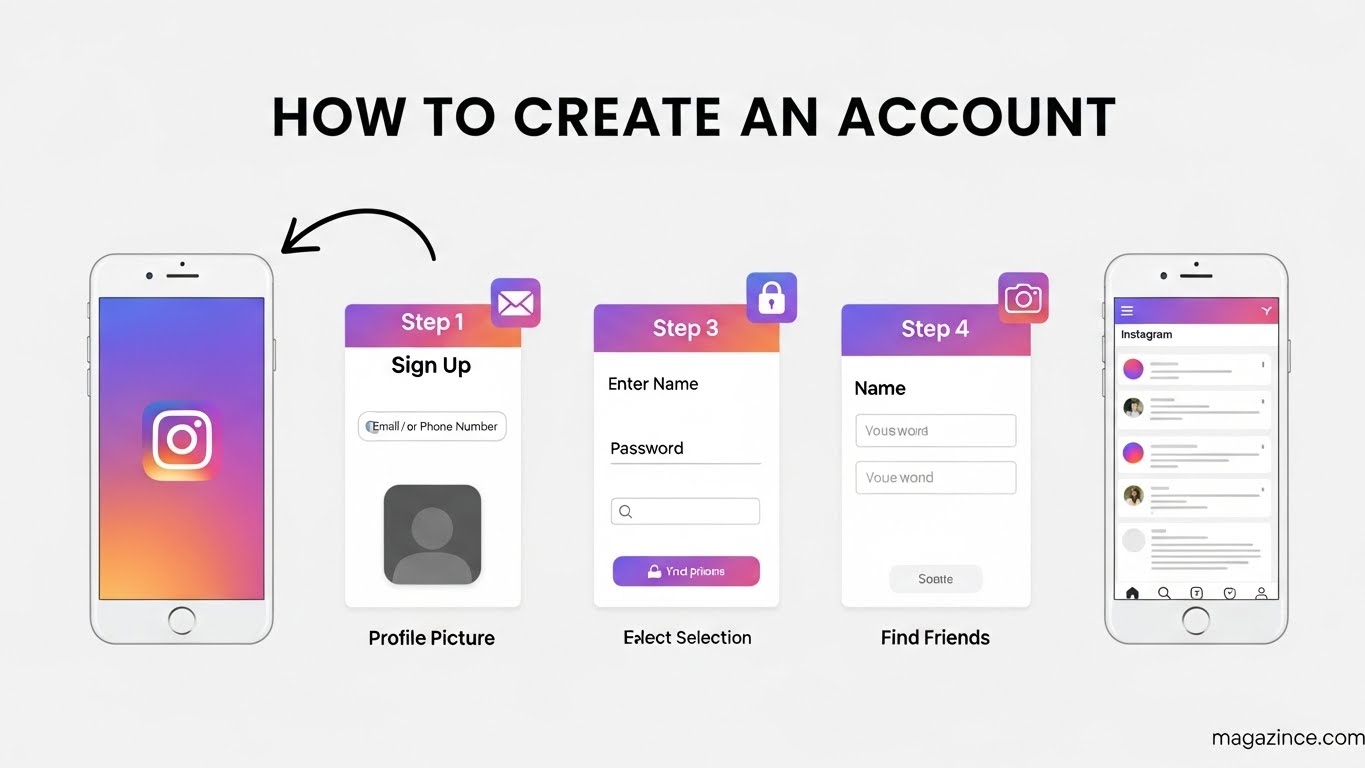
How to Create Instagram Account An Step-by-Step Complete Guide
Instagram, the visually-driven social media platform, has become an integral part of personal and professional life. Whether you want to share your everyday moments, build a brand, or connect with like-minded individuals, knowing how to create Instagram account is the first step. This comprehensive guide will walk you through the entire process, ensuring you understand every aspect of setting up your profile and getting started on this exciting platform.
Choosing Your Instagram Account Type
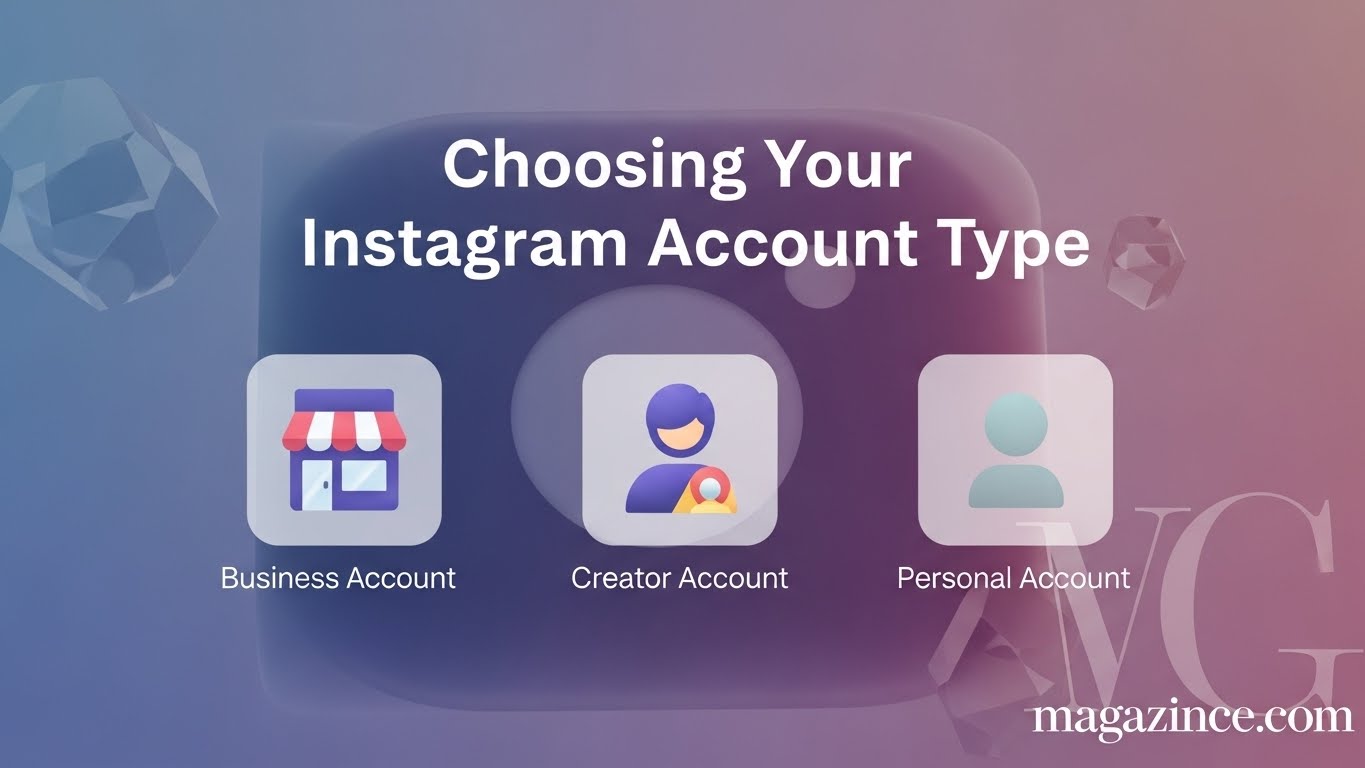
Before you dive into the technical steps, it’s crucial to decide what type of Instagram account suits your needs. Instagram offers two primary account types: Personal and Professional (which includes Business and Creator accounts). Understanding the differences will help you make the right choice when you create Instagram account.
Personal Account
A personal account is ideal if you primarily want to connect with friends and family, share personal updates, and explore content. It’s the simplest option, focusing on individual expression and connection.
Professional Account (Business or Creator)
A professional account provides additional features and insights that are essential for businesses, influencers, and content creators. Choosing a professional account when you create Instagram account unlock valuable tools.
- Business Account: Designed for businesses, this type offers features like contact information display, call-to-action buttons (e.g., “Shop Now”), and detailed analytics about your audience and content performance.
- Creator Account: Geared towards influencers and content creators, this option provides access to advanced analytics, flexible contact options, and tools to manage your online presence more effectively.
Consider your long-term goals when you make Instagram account to determine the most suitable account type.
Step-by-Step Guide to Creating Your Instagram Account
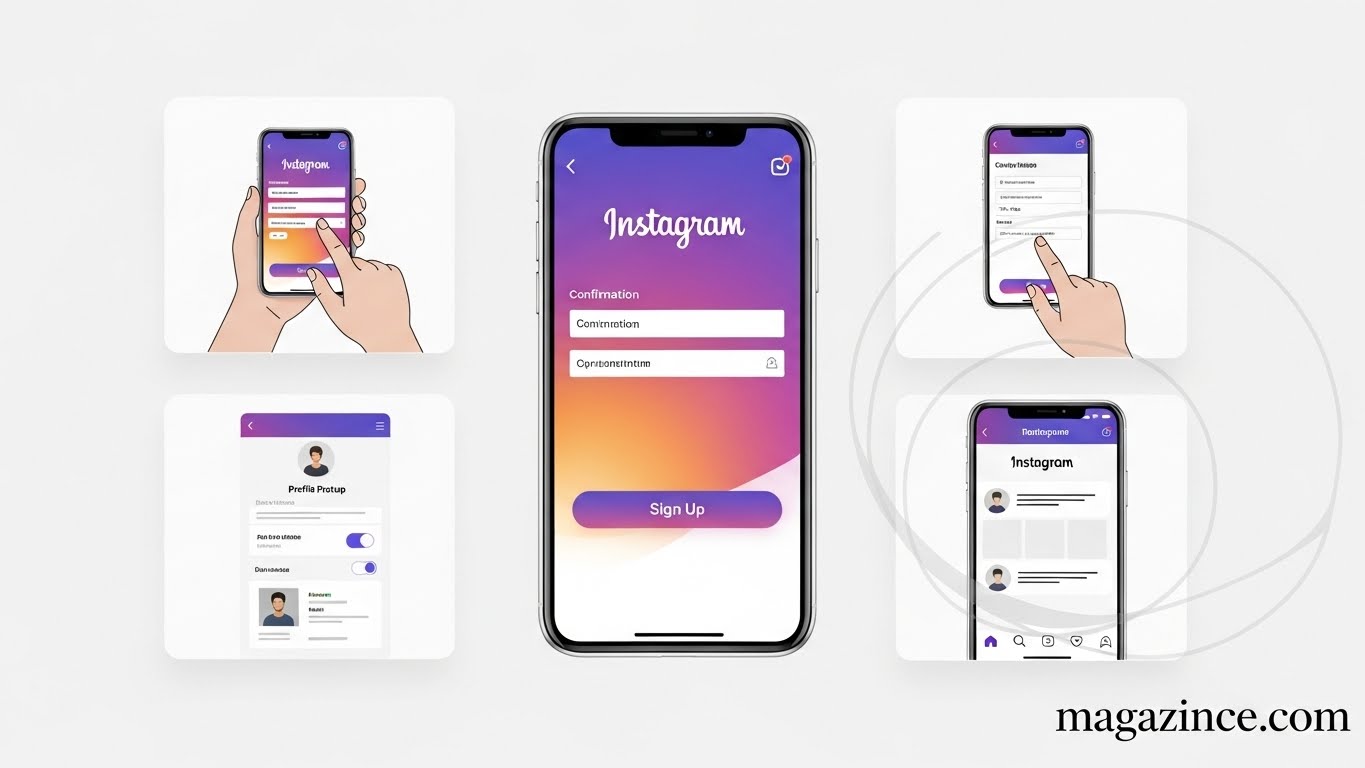
Now, let’s move on to the practical steps of creating your Instagram account. This section provides a detailed, step-by-step guide to ensure a smooth and successful setup.
1. Downloading the Instagram App
The first step is to download the Instagram app from your device’s app store.
- For iOS devices (iPhones and iPads), visit the App Store.
- For Android devices, visit the Google Play Store.
Search for “Instagram” and tap the “Install” button. Once the app is downloaded, open it to begin the registration process.
2. Signing Up with Email or Phone Number
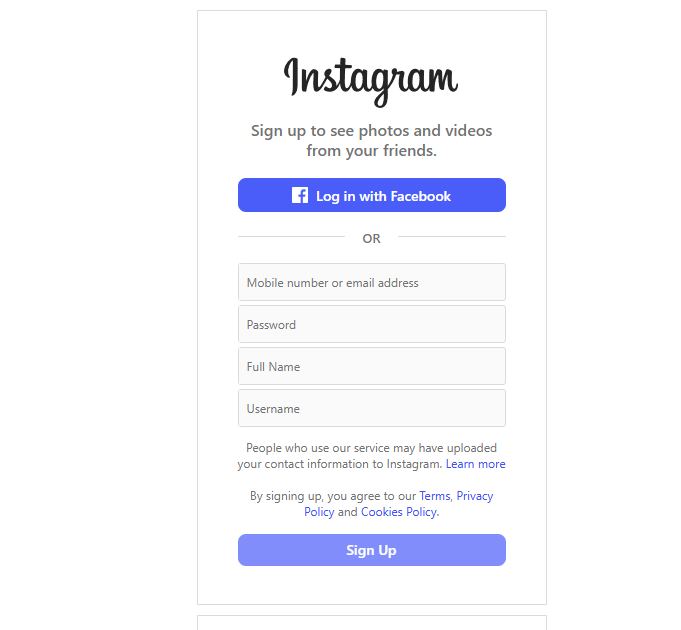
When you open the Instagram app, you’ll be presented with two options:
- Sign up with Email or Phone Number: This option allows you to use your email address or phone number to create Instagram account.
- Continue with Facebook: If you have a Facebook account, you can quickly sign up using your Facebook credentials.
For this guide, we’ll focus on the email/phone number option. Tap “Sign up with Email or Phone Number.”
3. Entering Your Email or Phone Number
Choose whether you want to sign up using your email address or phone number.
- Email: Enter a valid email address that you can access. Instagram will send a confirmation email to this address.
- Phone Number: Enter your phone number, including your country code. Instagram will send an SMS message with a confirmation code.
After entering your email or phone number, tap “Next.”
4. Creating a Username and Password
Next, you’ll need to create a username and password for your account.
- Username: Choose a username that is unique and easy to remember. If the username is already taken, Instagram will suggest alternatives.
- Password: Create a strong password that includes a combination of letters, numbers, and symbols. Do not use easily guessable information like your birthday or name.
After creating your username and password, tap “Next.”
5. Completing Your Profile
After setting up your basic account information, Instagram will prompt you to complete your profile. This includes adding your name, profile picture, and bio.
- Name: Enter your full name or the name of your business.
- Profile Picture: Choose a high-quality photo that represents you or your brand. This could be a headshot, a logo, or another image that you feel represents you well.
- Bio: Write a short bio that describes who you are or what your account is about. You can include relevant keywords, hashtags, and links to other websites.
Completing your profile is essential when you create Instagram account because it helps people find and understand your account.
6. Finding People to Follow
Instagram will suggest accounts for you to follow based on your existing contacts and interests. You can choose to follow these accounts or skip this step. Following accounts that align with your interests will help you discover new content and connect with like-minded individuals. Don’t hesitate to explore and find accounts that resonate with you when you make Instagram account.
7. Verifying Your Email Address or Phone Number
If you signed up with your email address, check your inbox for a confirmation email from Instagram. Click the link in the email to verify your address. If you signed up with your phone number, enter the confirmation code that was sent to your phone. Verifying your email address or phone number is crucial to secure your account and receive important updates from Instagram.
Optimizing Your Instagram Profile
Once you create Instagram account, optimizing it is key to attracting followers and achieving your goals. This section covers essential profile optimization strategies.
Choosing the Right Profile Picture
Your profile picture is the first thing people see when they visit your profile. Choose a clear, high-quality image that represents you or your brand effectively. For personal accounts, a headshot is often a good choice. For business accounts, a logo or product image is more appropriate.
Crafting a Compelling Bio
Your bio is your opportunity to tell people what your account is about in a concise and engaging way. Use keywords that are relevant to your niche, and include a call to action (e.g., “Visit my website,” “Shop now,” “Follow me for daily tips”). You can also include a link to your website, blog, or other social media profiles.
Highlighting Your Best Content
Instagram Highlights allow you to save your best Stories to your profile permanently. Use Highlights to showcase your products, services, testimonials, or other important information. Organize your Highlights into categories to make it easy for visitors to find what they’re looking for.
Understanding Instagram’s Features
Instagram offers a wide range of features that can enhance your experience and help you achieve your goals. Understanding these features is crucial to maximizing your impact.
Posts and Feed
Posts are the primary way to share content on Instagram. You can upload photos and videos to your feed, and add captions, hashtags, and location tags. Your feed is where your followers will see your content.
Stories
Instagram Stories are short-form videos and photos that disappear after 24 hours. Stories are a great way to share behind-the-scenes content, run polls and quizzes, and engage with your followers in real-time. Mastering stories after you create Instagram account can drastically increase engagement.
Reels
Reels are short, entertaining videos that can be up to 90 seconds long. Reels are a great way to reach a wider audience and showcase your creativity. Use trending audio, filters, and effects to make your Reels more engaging.
IGTV
IGTV is Instagram’s platform for long-form video content. You can upload videos that are up to 60 minutes long, making it ideal for tutorials, interviews, and other in-depth content. While less used currently, IGTV can be a niche way to engage.
Instagram Live
Instagram Live allows you to broadcast live video to your followers in real-time. Live videos are a great way to connect with your audience, answer questions, and build relationships. Promote your live videos in advance to maximize viewership.
Growing Your Instagram Following
Growing your Instagram following requires a consistent and strategic approach. Here are some tips to help you attract more followers:
Posting High-Quality Content
The quality of your content is the most important factor in attracting followers. Post photos and videos that are visually appealing, informative, and engaging. Use high-resolution images and videos, and edit them to make them look their best. Ensuring that your content meets Instagram’s guidelines is also essential to avoid penalties and maintain a positive presence.
Using Relevant Hashtags
Hashtags are a crucial tool for increasing the visibility of your content. Use a mix of popular and niche hashtags to reach a wider audience. Research relevant hashtags in your niche and include them in your captions. Don’t overdo it – aim for a balanced mix of hashtags that are relevant to your content.
Engaging with Your Audience
Engage with your followers by responding to comments, answering questions, and participating in conversations. Show that you care about your audience and are invested in building relationships. The more you engage, the more likely people are to follow you and become loyal fans.
Collaborating with Other Accounts
Collaborating with other accounts in your niche is a great way to reach a new audience. Partner with other influencers or businesses to create joint content, host giveaways, or cross-promote each other’s accounts. Collaboration can significantly boost your visibility and help you gain new followers.
Running Contests and Giveaways
Contests and giveaways are a fun and effective way to attract new followers and increase engagement. Offer a prize that is relevant to your audience and require participants to follow your account, like your post, and tag a friend. Contests and giveaways can generate a lot of buzz and help you gain a large number of new followers quickly.
Leveraging Instagram Analytics
Instagram Analytics provides valuable insights into your audience, content performance, and overall account activity. Using analytics can help you optimize your strategy and achieve better results.
Understanding Your Audience Demographics
Analytics can show you the age, gender, location, and interests of your followers. Use this information to tailor your content to your audience and create content that resonates with them.
Tracking Your Content Performance
Analytics can also show you which posts are performing well and which ones are not. Use this information to understand what type of content your audience enjoys the most and create more of it. Track metrics like likes, comments, shares, and saves to gauge the success of your posts.
Optimizing Your Posting Schedule
Analytics can tell you when your audience is most active on Instagram. Use this information to optimize your posting schedule and post content when your audience is most likely to see it. Posting at the right time can significantly increase the reach and engagement of your posts.
Troubleshooting Common Issues
Even with the best create Instagram account guides, you might encounter issues. Here’s how to tackle common problems.
Username Unavailable
If the username you want is unavailable, try adding numbers, underscores, or abbreviations to make it unique. You can also consider using a different username that is still relevant to your brand.
Password Reset Issues
If you forget your password, use the “Forgot Password” link on the login screen to reset it. Instagram will send a password reset link to your email address or phone number. Follow the instructions in the email or SMS message to create a new password.
Account Hacked
If you suspect that your account has been hacked, immediately change your password and enable two-factor authentication. Report the incident to Instagram support and provide as much information as possible to help them recover your account.
Staying Safe on Instagram
Safety is paramount. These tips will help you stay safe while you create Instagram account and use the platform.
Protecting Your Privacy
Review your privacy settings and adjust them to your preferences. You can choose to make your account private, which means that only people you approve can follow you and see your content. You can also block or report users who are harassing or bullying you.
Avoiding Scams and Phishing
Be cautious of scams and phishing attempts. Do not click on suspicious links or provide personal information to unknown sources. Instagram will never ask for your password or other sensitive information via email or direct message.
Reporting Inappropriate Content
If you see content that violates Instagram’s community guidelines, report it to Instagram. You can report posts, comments, accounts, and messages that are offensive, abusive, or harmful.
Advanced Instagram Strategies
Once you’ve mastered the basics, consider these advanced strategies to take your Instagram game to the next level.
Using Instagram Ads
Instagram Ads are a powerful way to reach a wider audience and promote your products or services. You can target your ads based on demographics, interests, and behaviors to ensure that they are seen by the right people. Experiment with different ad formats and targeting options to find what works best for your business.
Partnering with Influencers
Influencer marketing is a popular and effective way to reach a new audience. Partner with influencers who have a large and engaged following in your niche to promote your products or services. Choose influencers who align with your brand values and have a genuine connection with their audience.
Creating a Content Calendar
A content calendar is a schedule that outlines what content you will be posting and when. Creating a content calendar can help you stay organized, consistent, and on track with your goals. Plan your content in advance and schedule it to post automatically using a social media management tool.
Conclusion: Your Journey to Instagram Success
Learning how to create Instagram account is just the beginning. By following this comprehensive guide, you’ll be well-equipped to set up your profile, optimize your content, grow your following, and achieve your goals on Instagram. Remember to stay consistent, engage with your audience, and always be learning and adapting to new trends and features. With dedication and hard work, you can unlock the full potential of Instagram and achieve success on this dynamic social media platform. Now that you know how to create Instagram account guides will be less daunting, and your Instagram journey can truly begin. Enjoy creating!